
How do I delete documents or chats?
You delete chats, documents, files in a Dossier and whole Dossiers yourself. Deletion is immediate and permanent; there is no trash. CASUS deletes nothing on its own after a set time.
At a glance
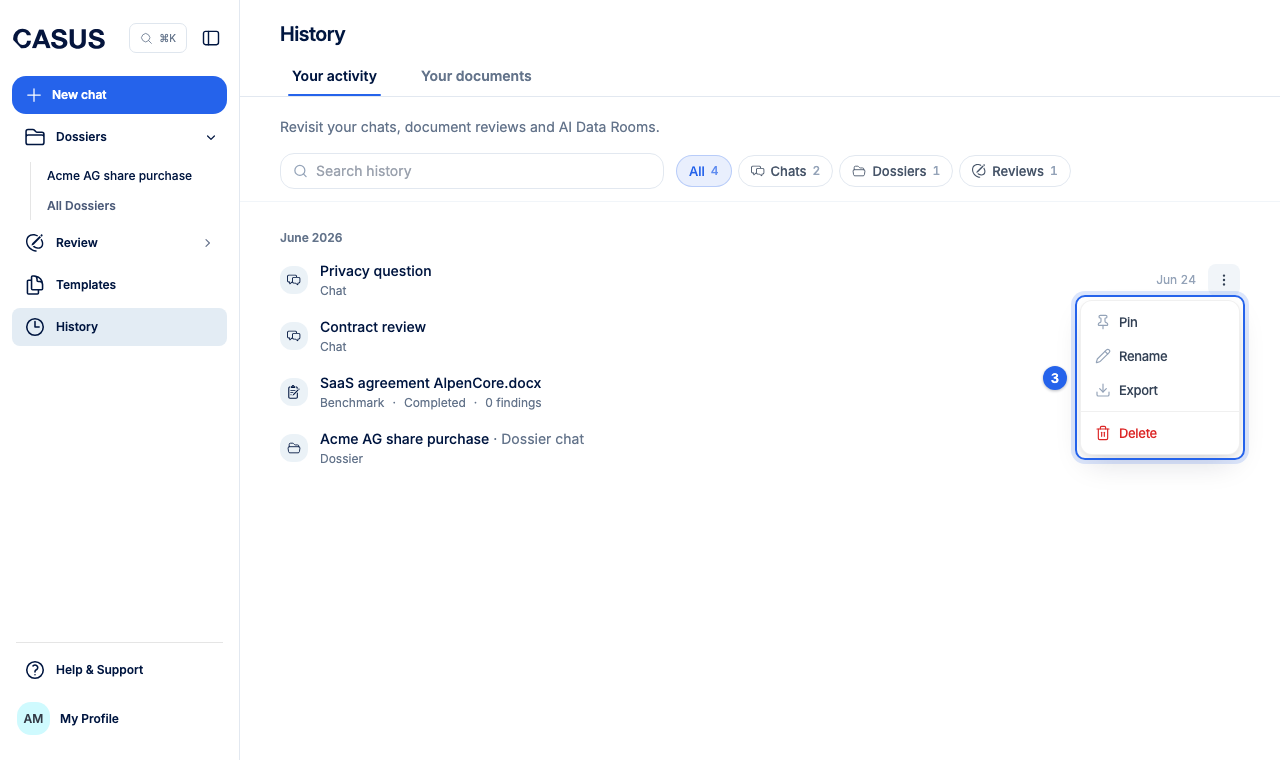
- Chat: click Delete in the chat menu.
- Document: delete it under Documents. Its reviews are deleted with it.
- File in a Dossier: click Delete file. Citations pointing to that file no longer work afterwards.
- Whole Dossier: in Dossier settings, click Delete Dossier and type its name. This deletes all files and chats in it. Only the Dossier's owner can do this.
- Files you give a chat are kept under Documents. If you delete the chat, they stay there until you delete them yourself.
- Instead of deleting chats in a Dossier, you can also archive them.
If it doesn't work
If everything should be deleted at once, an admin closes the workspace. The article Delete your account explains how.
This might help too
Still have questions?
Email us: contact@getcasus.com