
Set up a standard for Benchmark
You set up your standard as a playbook: from a sample contract, from which CASUS reads the clauses itself, or by hand. Only you see a new playbook at first.
At a glance
- The sample contract must be a DOCX or a searchable PDF. Scanned PDFs don't work here.
- Only the playbook's owner can edit or delete it. The team sees shared playbooks as read-only.
How it works
- 1Open Templates in the sidebar, then the Playbooks tab.
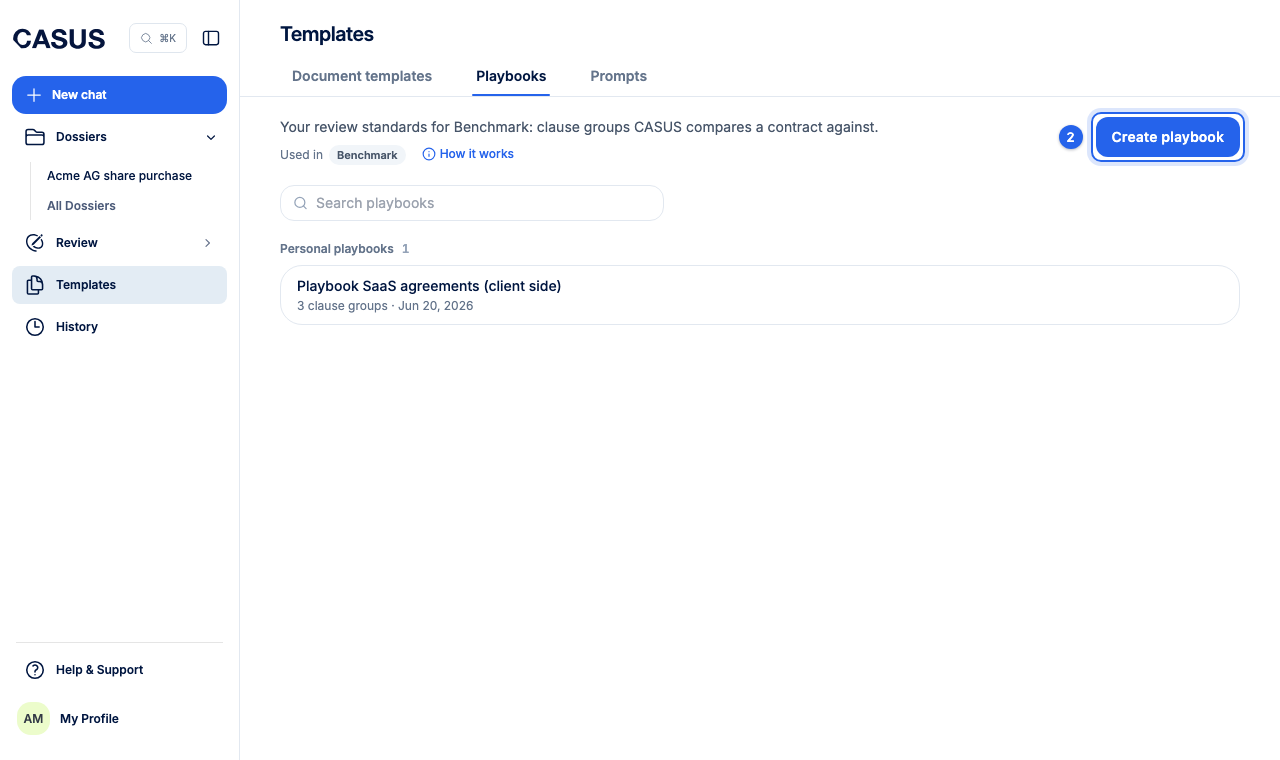
- 2Click Create playbook.
- 3Under Configure clauses automatically, click Upload Your Document and choose your sample contract. Under Context, add what the playbook is for.
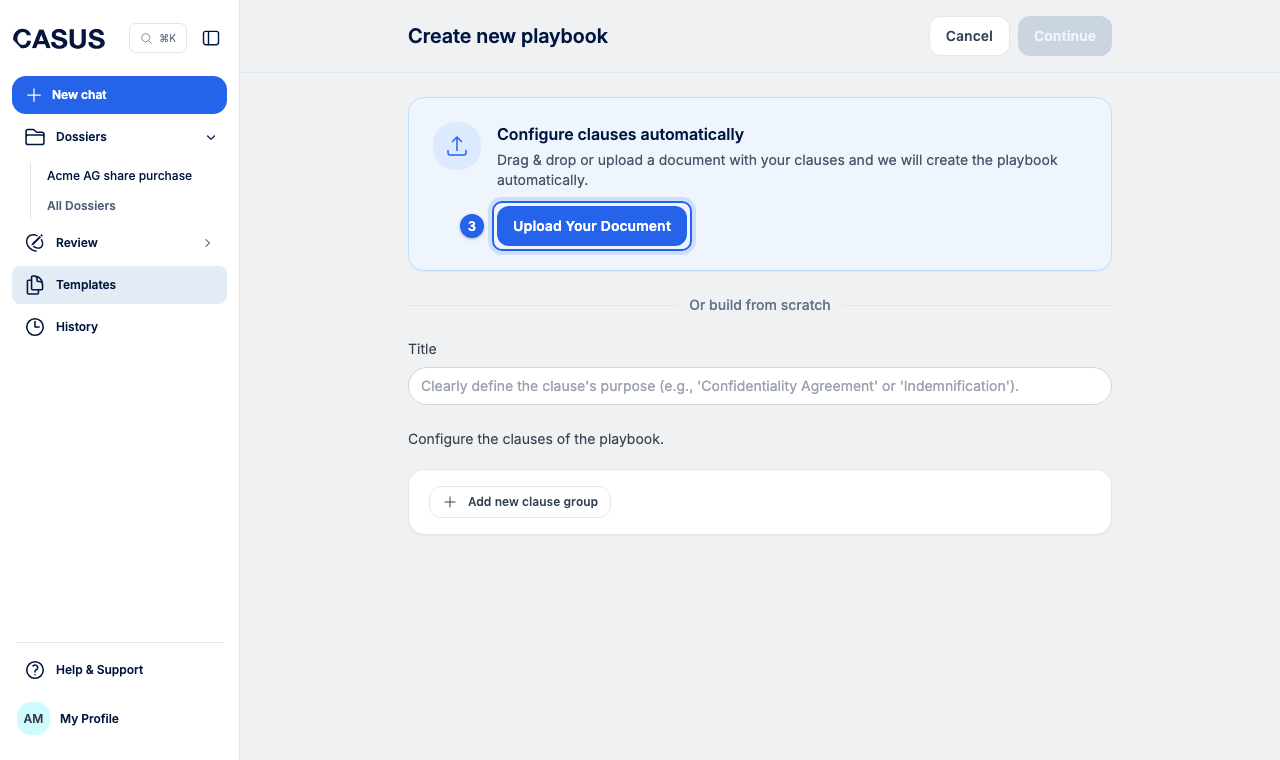
- 4Or click Or build from scratch, enter a title and add your rules with Add new clause group and Add new clause.
- 5Check the clauses and save.
- 6With Share with team, everyone in the team can use the playbook.
If it doesn't work
If CASUS finds no clauses in the sample, build the playbook by hand.
This might help too
Still have questions?
Email us: contact@getcasus.com