
Dossier: ask questions across all documents
In a Dossier you don't pick files. Every question uses all ready files of the Dossier, in the browser under Start and in Word in the chat together with the open document. The answer shows which file and which page a statement comes from.
At a glance
- Files still being prepared join as soon as they are ready. You can chat before that.
- Anything you attach to a single chat stays in that chat and is not added to the Dossier.
- In Word, a chat uses one Dossier. Without Dossier takes you back to the document alone.
- CASUS only reads the Dossier's files. In Word it changes only the open document.
How it works
- 1Open the Dossier and click Start.
- 2Write your question or pick a card such as Overview, Look up or Compare. The card only fills the input; nothing is sent until you click.
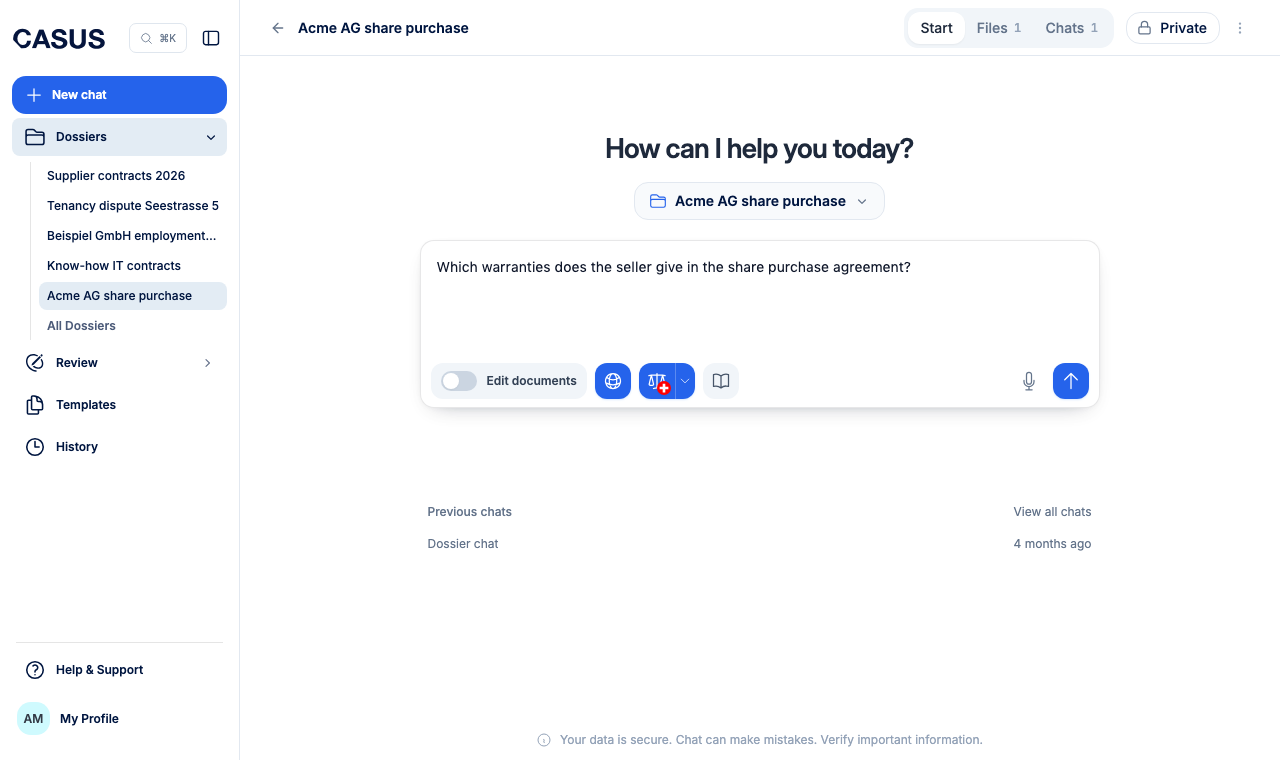
- 3Click a source number in the answer. The file opens next to it, and for PDFs the cited passage is highlighted.
If it doesn't work
If CASUS can't find something that is surely in the Dossier, check under Files whether the file has finished processing. For scanned PDFs, see the article Why isn't my scan read correctly?.
This might help too
Still have questions?
Email us: contact@getcasus.com