
Ask your first question
Write your question the way you would ask a colleague: in the browser in a new chat, in Word in the chat beside the open document. For legal questions, switch on Legal Research and CASUS answers with sources.
At a glance
- Say whom you act for and what you need the answer for. That makes it more precise.
- Below the answer, CASUS suggests Suggested questions.
- With the globe Activate web search, CASUS also searches the internet.
How it works
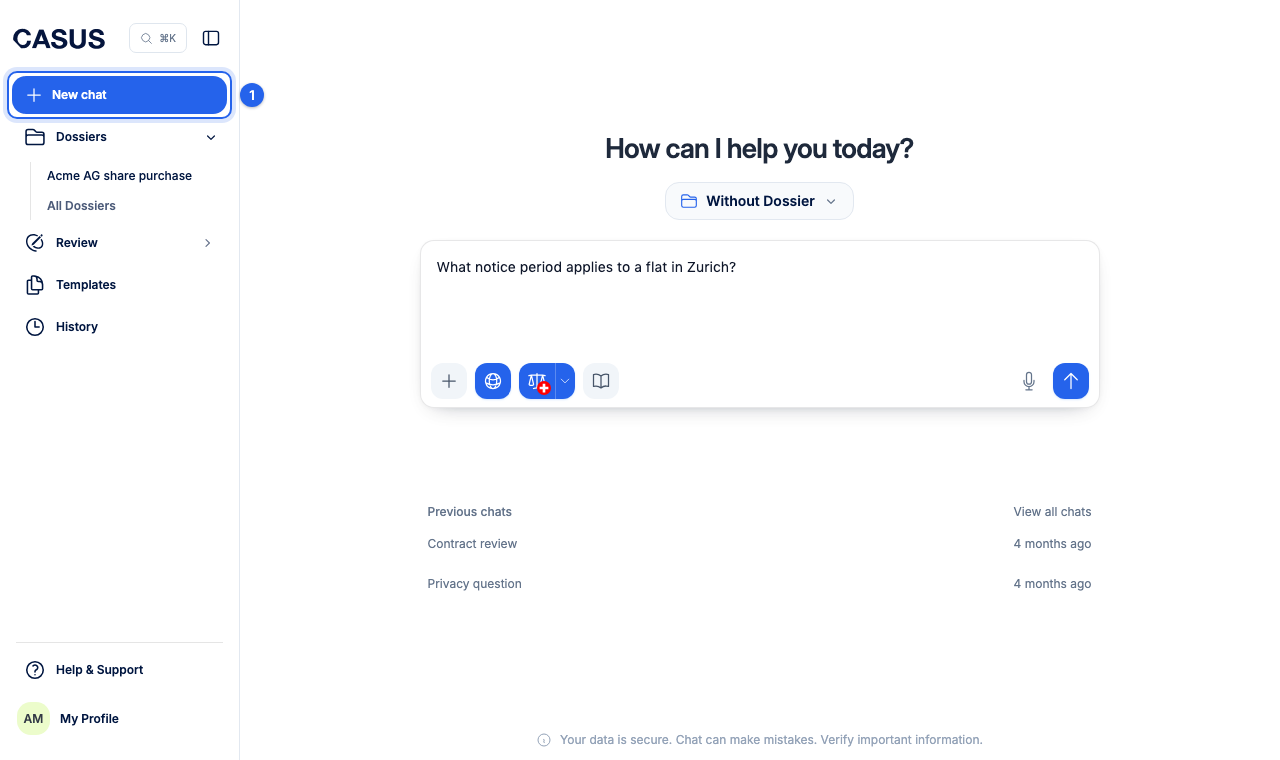
- 1Click New chat in the sidebar.
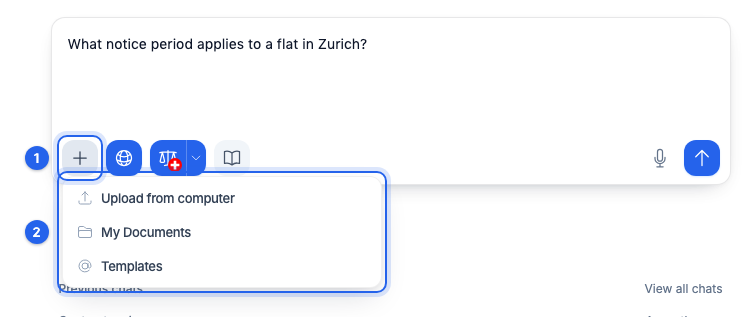
- 2If it is about a document, drag it into the window or add it with Add context to this chat.
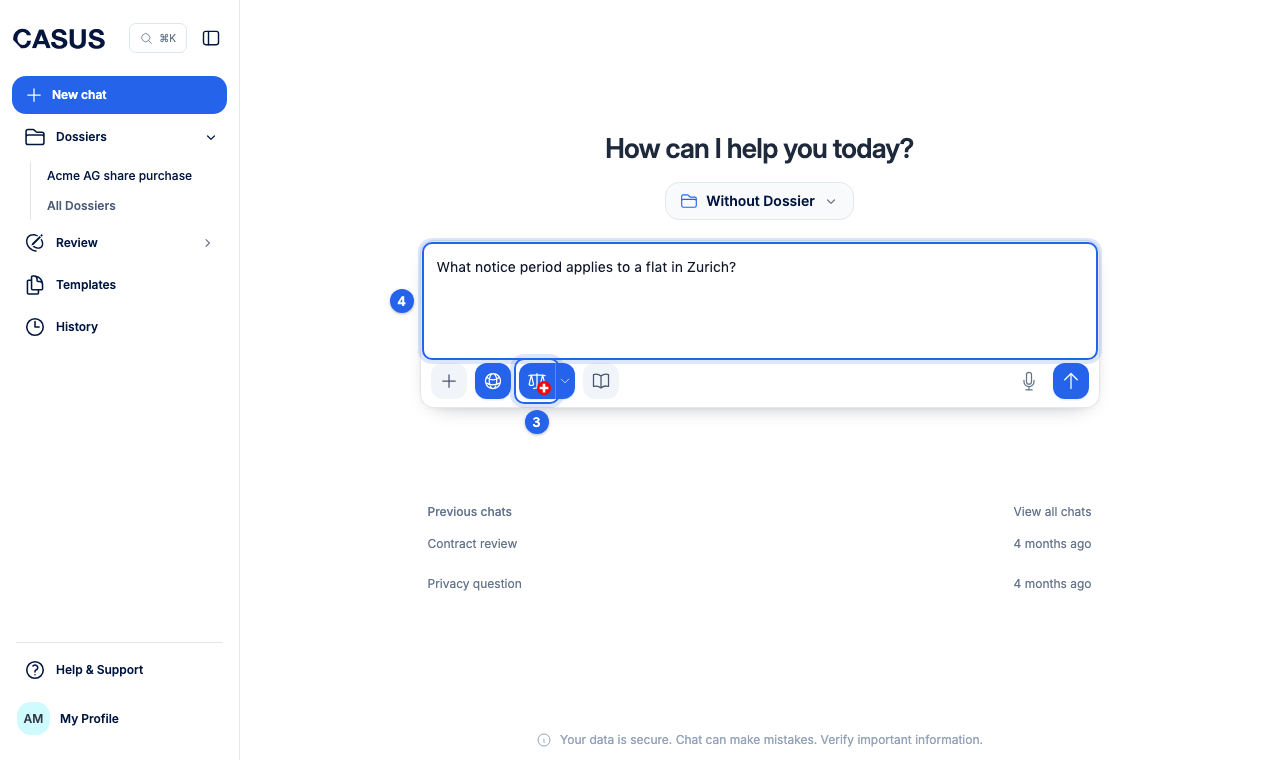
- 3For a legal question, click the scales icon Activate Legal Research. The arrow next to it lets you choose the country and sources.
- 4Write your question and press Enter.
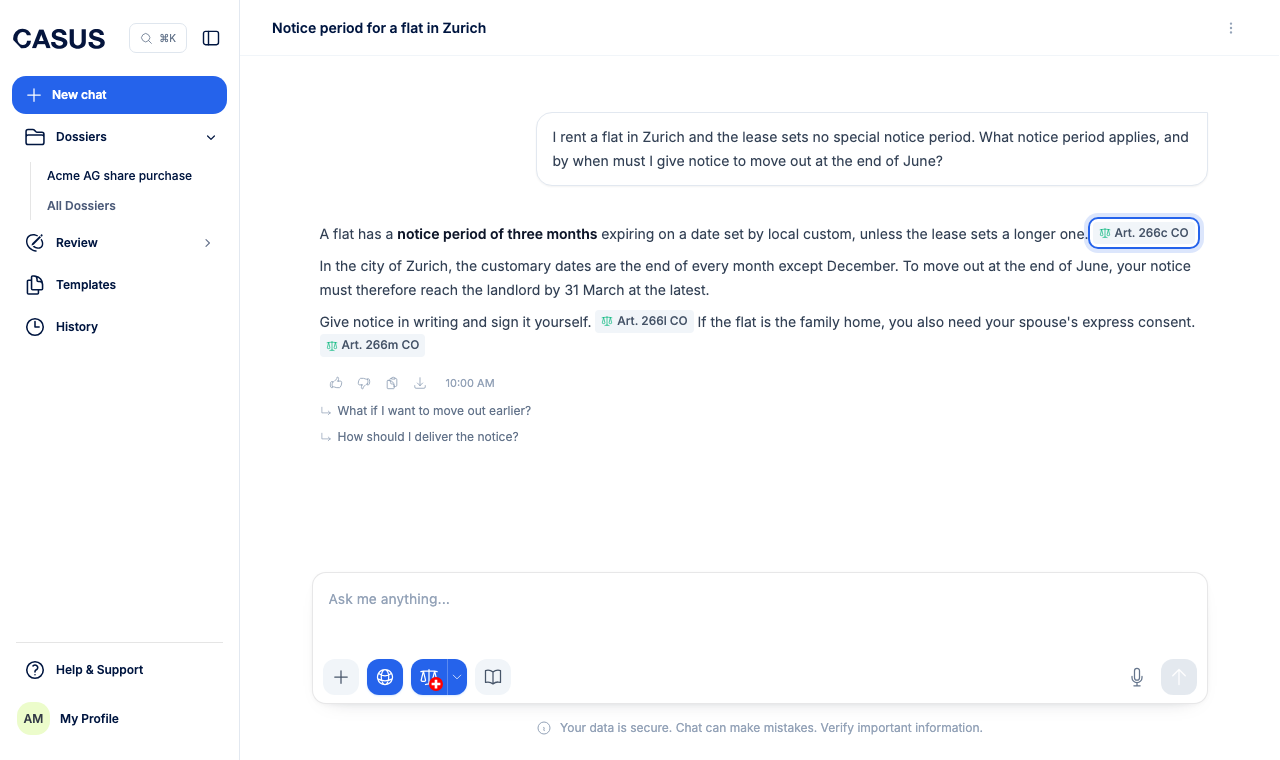
- 5Check the sources. The numbers in the answer lead to the passage CASUS relies on.
If it doesn't work
If the answer doesn't fit, follow up in the same chat or say more precisely what you need. Answers can contain mistakes, so check important statements against the sources.
This might help too
Still have questions?
Email us: contact@getcasus.com