
View the workspace audit log
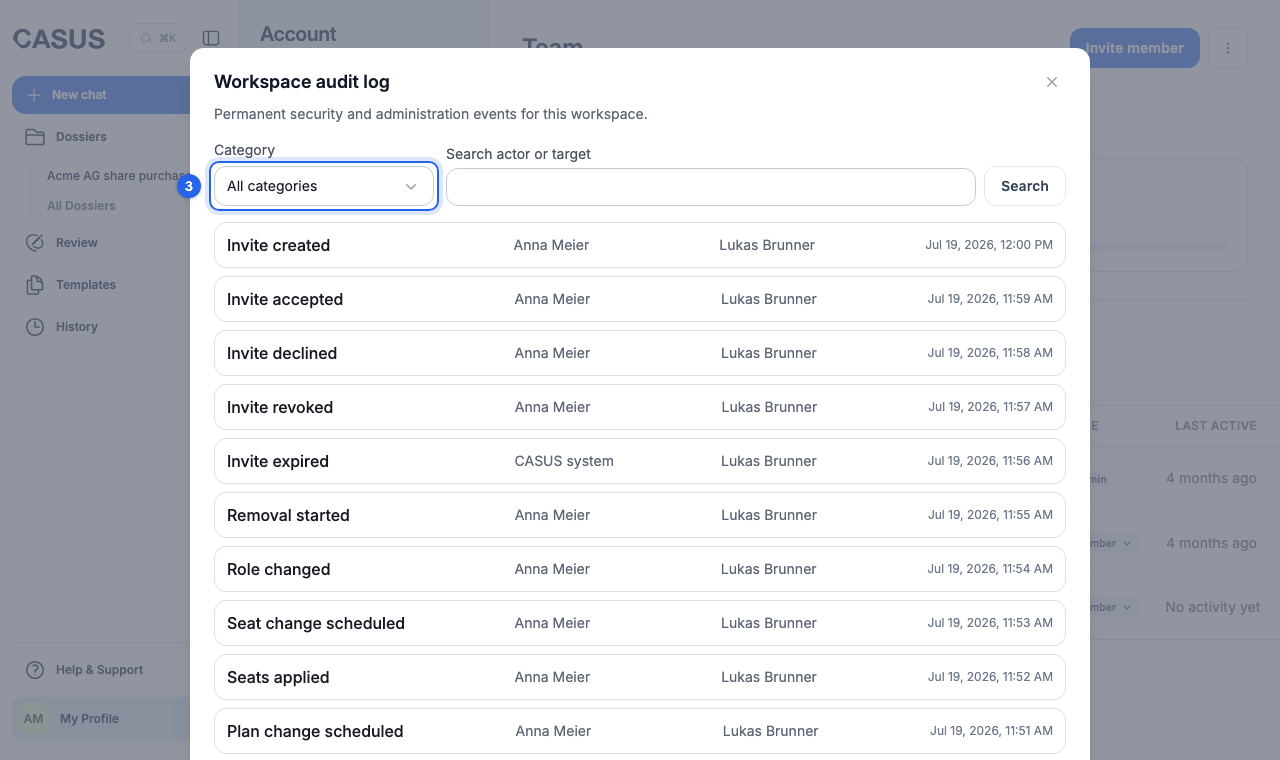
The audit log shows admins who changed what and when in the workspace's team, roles, seats and subscription. Entries are kept permanently.
At a glance
- Categories: membership, billing, archive and workspace.
- It records, for example, invitations, role changes, removed members, changes to seats and subscription, and opening the archive.
- Only admins see the audit log.
How it works
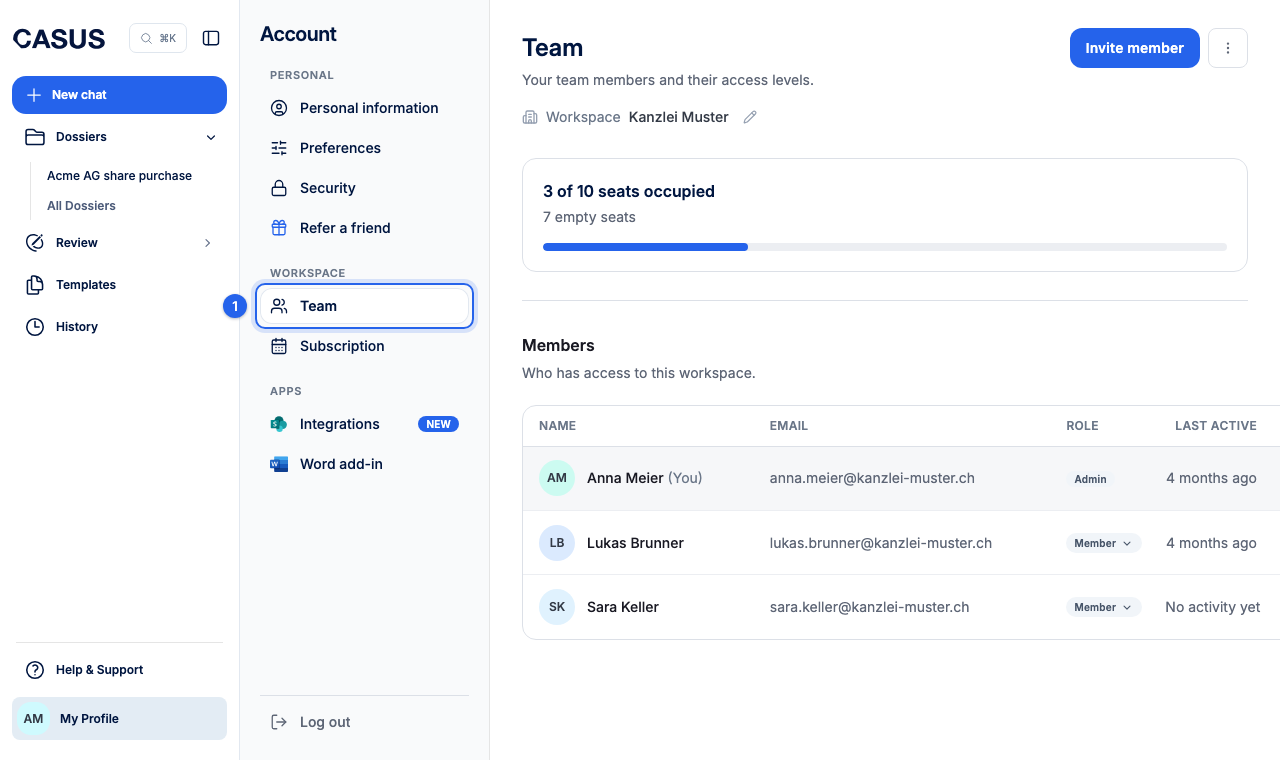
- 1In CASUS, open your account and, under Workspace, the Team page.
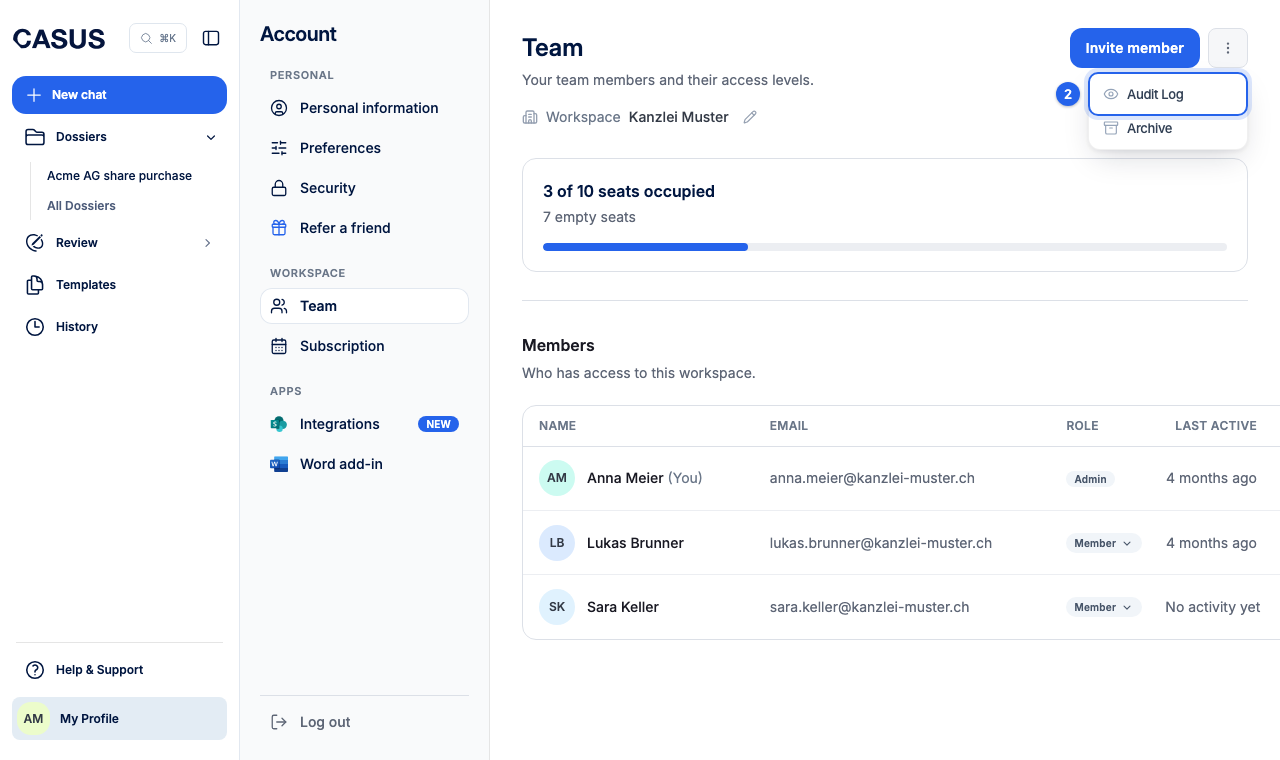
- 2Open the menu with more team management tools and click Audit Log.
- 3Filter by category or search by actor or target. Load more to see older entries.
If it doesn't work
If you need the audit log as a file, for an audit for example, write to us.
This might help too
Still have questions?
Email us: contact@getcasus.com