
The Outlook add-in at a glance
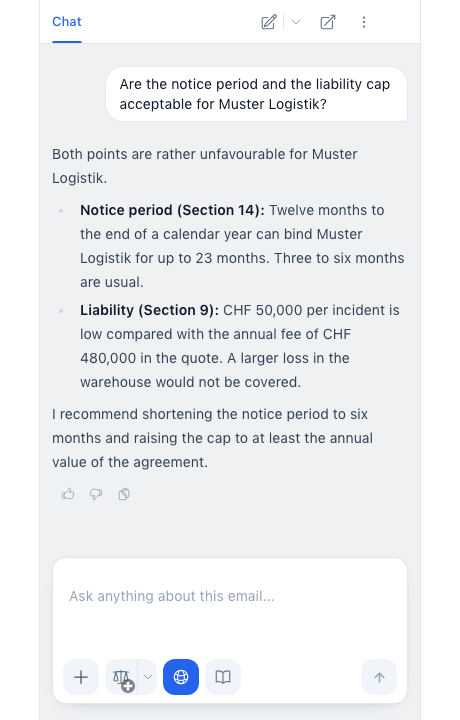
With the Outlook add-in you ask CASUS about an email and its attachments, have a reply drafted and check your drafts before you send them. CASUS never sends anything; you always do.
At a glance
- While reading: ask about the email and its attachments, and draft a reply.
- While writing: have your draft revised and check it with Proofread.
- Chats belong to their email. With Open in CASUS you continue in the browser.
- If your mailbox is connected, CASUS also reads other emails and whole threads.
- The add-in works in Outlook on your computer, while reading and while writing. It is not available on phones.
This might help too
Still have questions?
Email us: contact@getcasus.com