
Install the Outlook add-in
You install the Outlook add-in from the Microsoft Store, right inside Outlook. Afterwards you find the CASUS button when reading and when writing an email.
At a glance
- In the Microsoft Store the add-in is simply called CASUS.
- Many firms deploy add-ins centrally in the Microsoft 365 admin center. Then CASUS is already there, or your IT approves it for you.
How it works
- 1In Outlook, click Get Add-ins or Apps.
- 2Search for CASUS and click Add.
- 3Open an email and click CASUS in the ribbon. The pin keeps the pane open.
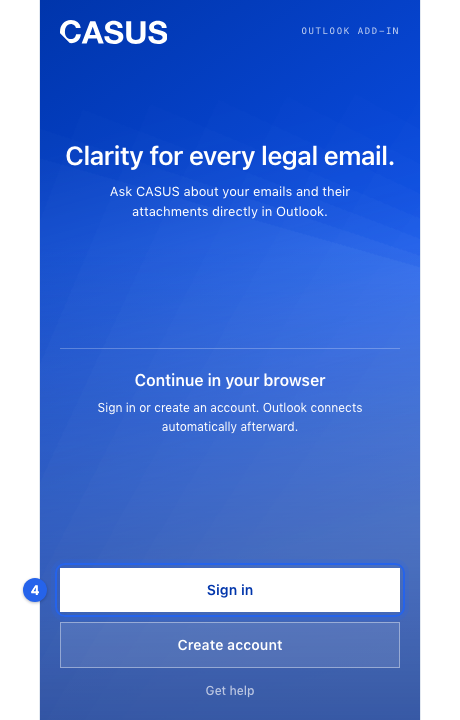
- 4Sign in to the add-in as described in the article Connect your mailbox to CASUS.
If it doesn't work
If CASUS can't be added, your IT has probably blocked add-ins. Ask them to approve it. If the button is still missing, quit Outlook completely and open it again.
This might help too
Still have questions?
Email us: contact@getcasus.com