
Change your profile and language
You change your name, company and profile picture under your personal information, and the language under Preferences. CASUS saves every change at once, for the Word add-in too.
At a glance
- Your email address is also your sign-in and can't be changed by yourself.
- Preferences is also where you set the default jurisdiction and sources for research.
- If you change the language in the Word add-in, it applies in the browser too.
How it works
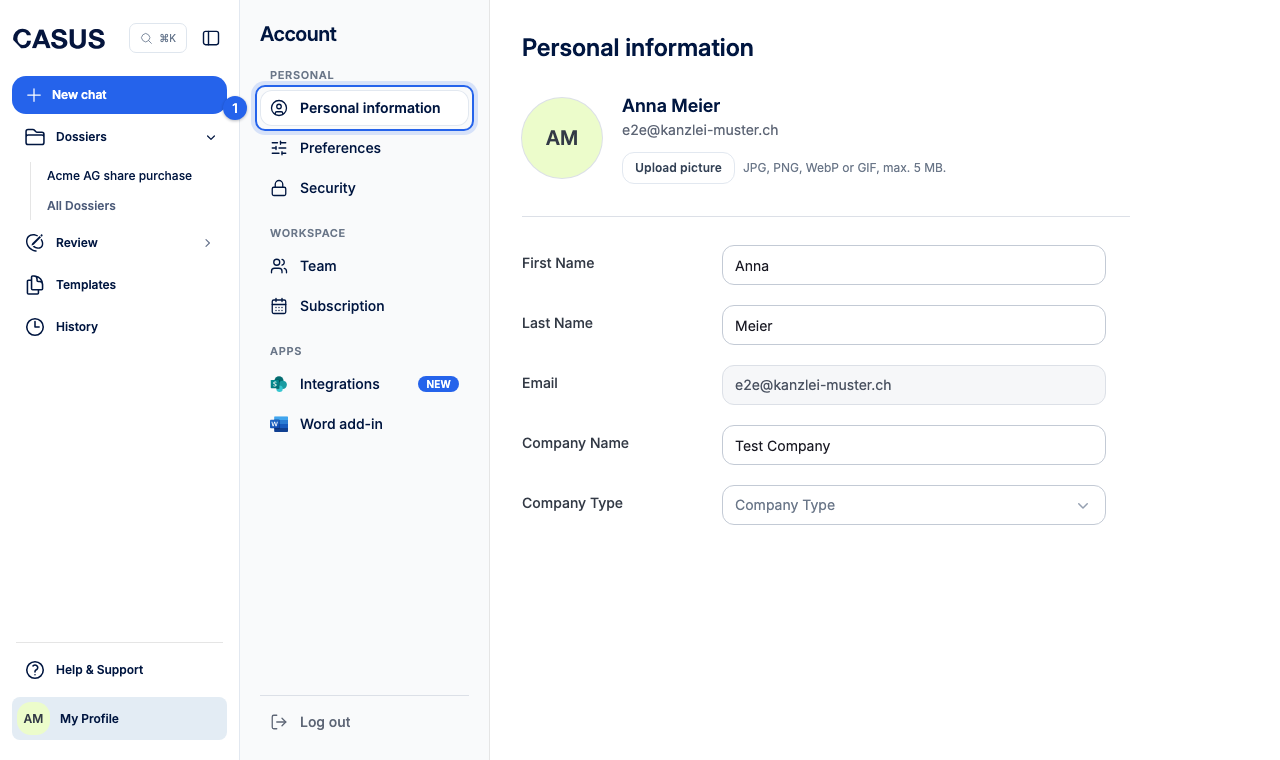
- 1In CASUS, open your account and, under Personal, Personal information.
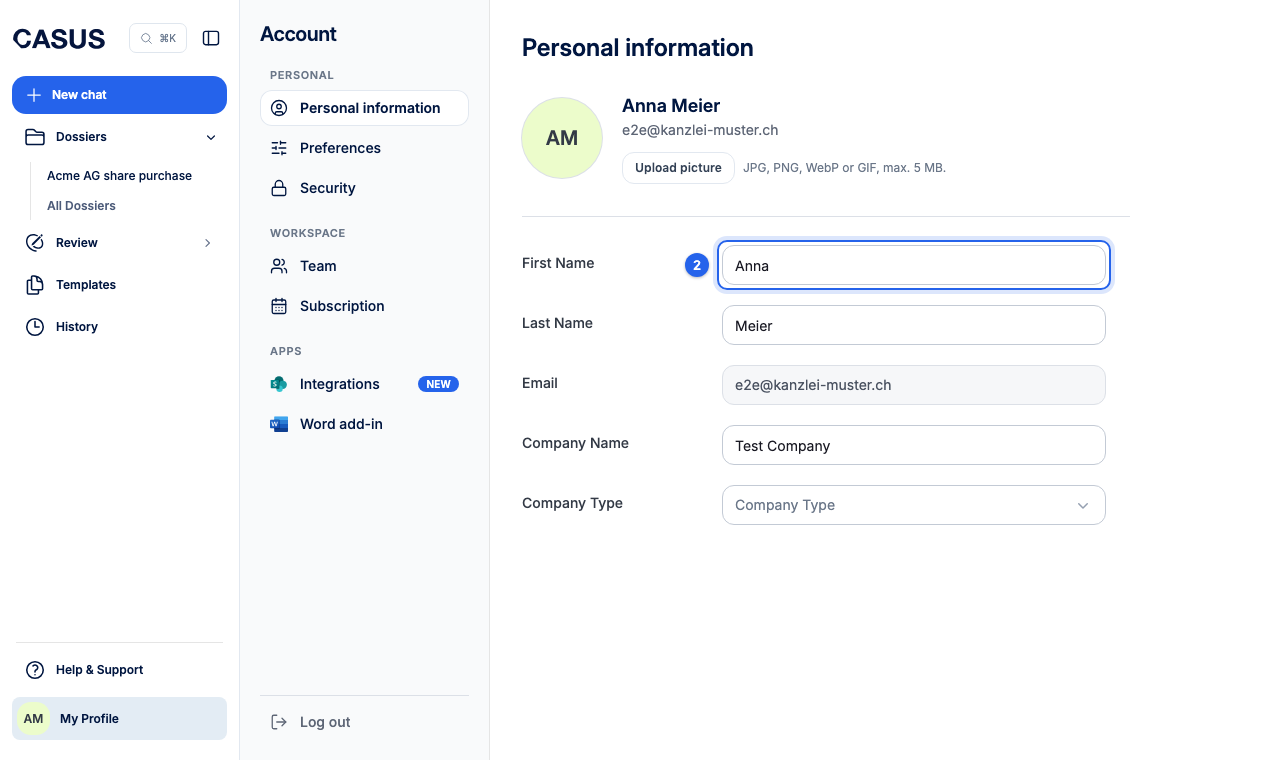
- 2Change your first name, last name or company name. Upload picture sets a profile picture, as JPG, PNG, WebP or GIF up to 5 MB.
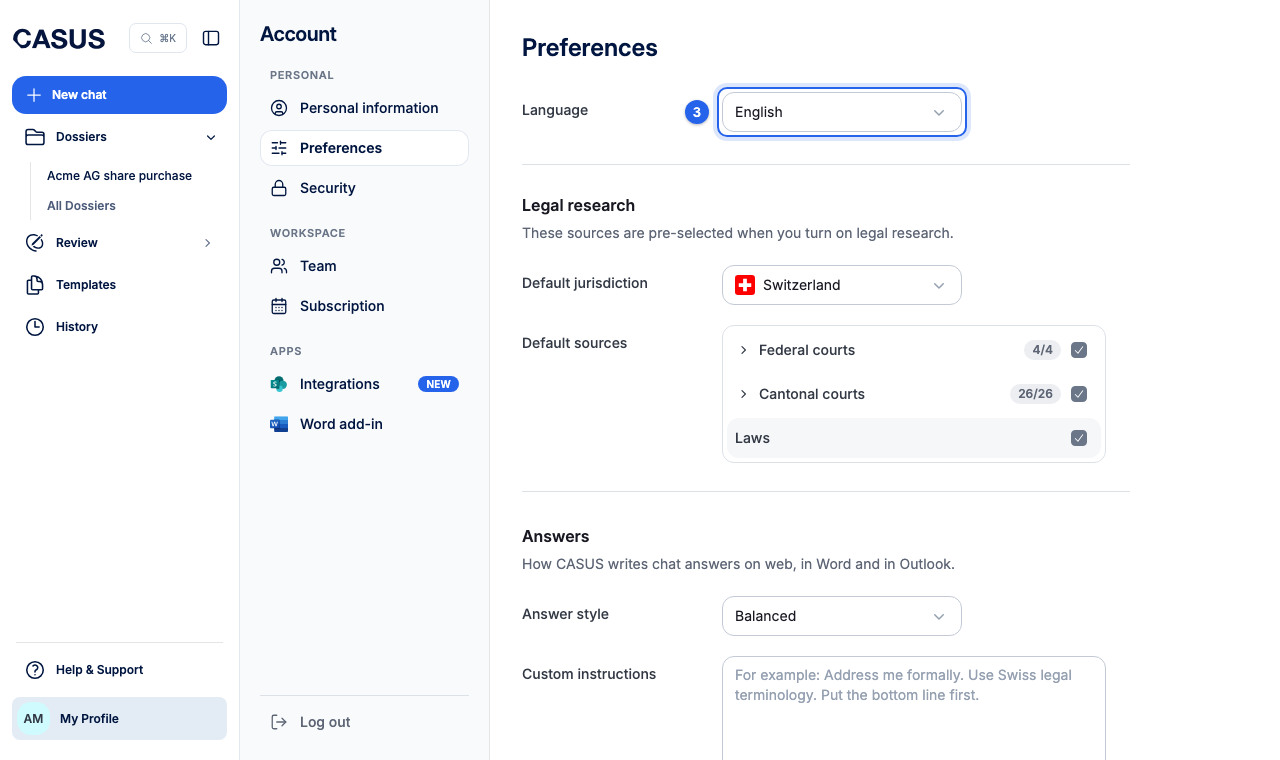
- 3For the language, open Preferences under Personal and choose English, Deutsch (Schweiz) or Deutsch (DE & AT) under Language.
If it doesn't work
If you want to change your email address, write to us from the old one and tell us the new one.
This might help too
Still have questions?
Email us: contact@getcasus.com