
Chat: ask specific questions about the contract
If you want to know something specific about a contract without a full review, ask in the chat. In the browser you add the contract or start the chat straight from your documents. In Word you ask about the open document directly.
At a glance
- The answer points to the places in the contract with numbers.
- In the browser, if you go from a chat into a review, the way back takes you to that chat again.
- If Word says it couldn't check the current selection, close CASUS and open it again.
How it works
- 1Open History and the Your documents tab.
- 2Pick the contract and click Start chat. CASUS opens a new chat with the contract.
- 3Or add it in a new chat with Add context to this chat.
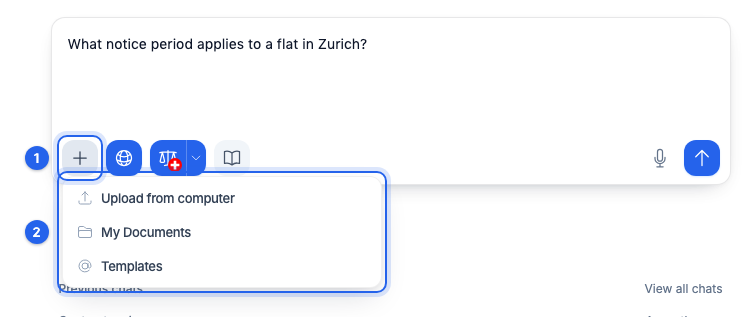
- 4Ask, for example: “Can the other side terminate before two years are up?”
This might help too
Still have questions?
Email us: contact@getcasus.com