
Find, rename and delete earlier chats
In the browser you find earlier chats in History or with Search chats, and rename, pin or delete them in the chat menu. In Word, the chats about the open document are in Chat history.
At a glance
- Deleted chats are gone for good.
- Only your browser remembers pinned chats. On another device they aren't pinned.
- In a Dossier you archive chats instead of deleting them. Archived chats are under Archived, and Restore brings them back.
- Chats from Outlook are in the Outlook add-in's history.
How it works
- 1Click History in the sidebar and use Search history. Chats shows chats only.
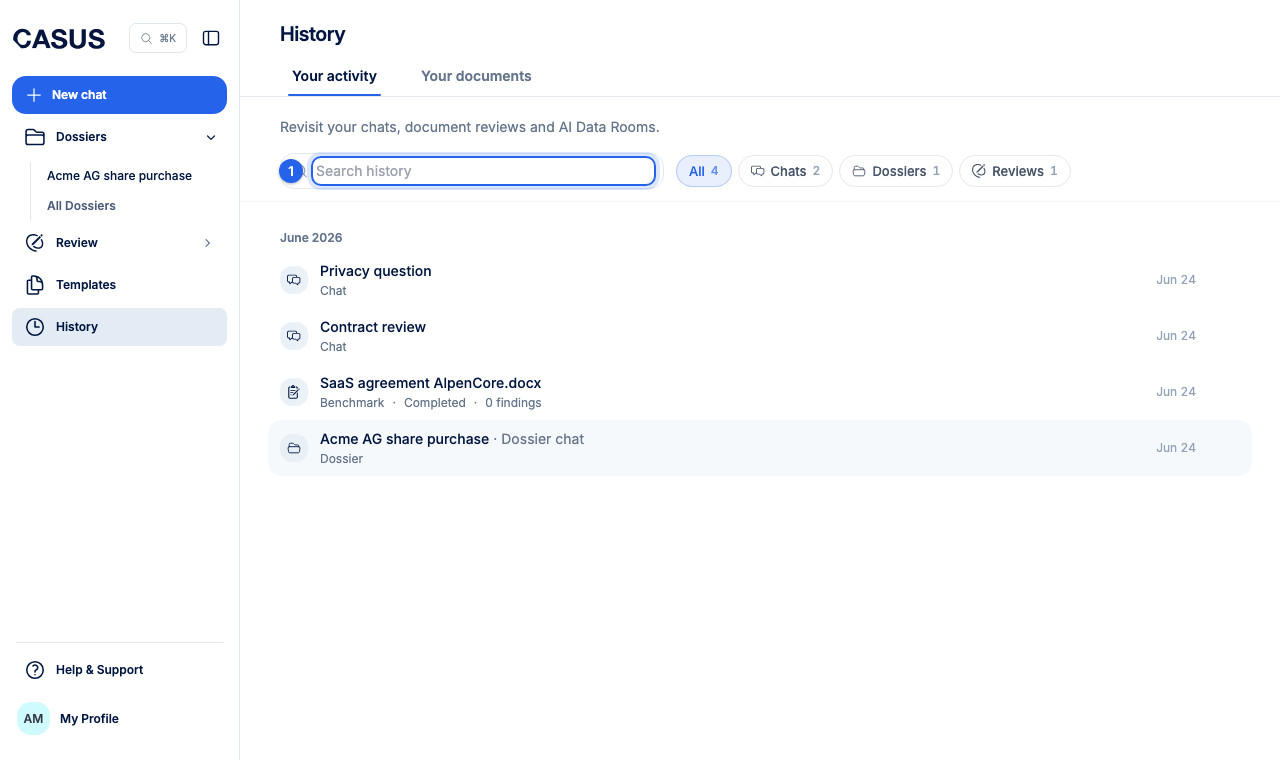
- 2Or click Search chats and type a keyword.
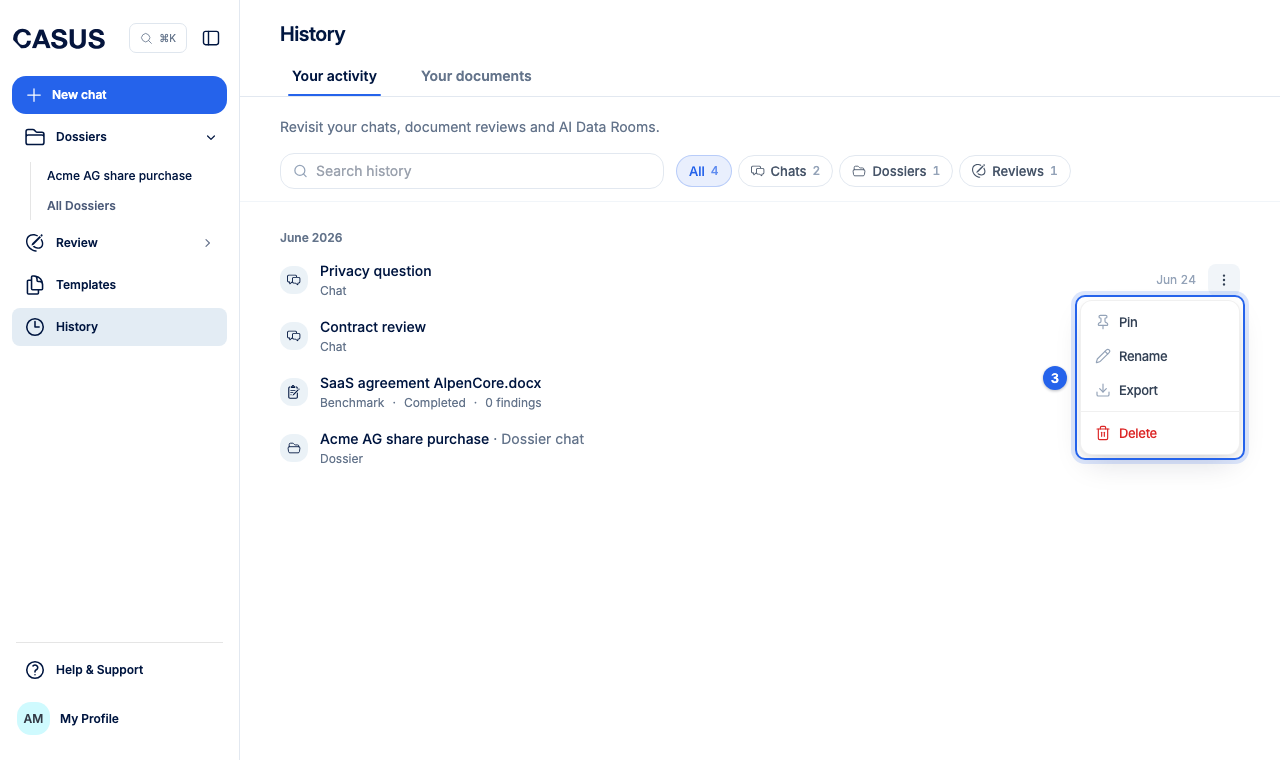
- 3Open the chat's menu and choose Rename, Pin or Delete.
This might help too
Still have questions?
Email us: contact@getcasus.com