
Have a new document drafted
Ask CASUS for a draft in the chat, such as a contract, a memo or an email. In the browser it appears as its own block that you keep editing in the editor and download as Word or PDF. In Word, CASUS writes it straight into an empty document.
At a glance
- If you added a letterhead and logo under Templates, new documents in a Dossier take on your layout.
- Read every draft in full before it goes out.
How it works
- 1Start a chat, ideally in a Dossier, so CASUS knows the documents.
- 2Describe what you need: type of document, parties, key points, language and, if you have one, the template.
- 3Click Open editor on the draft and revise it. Changes save themselves.
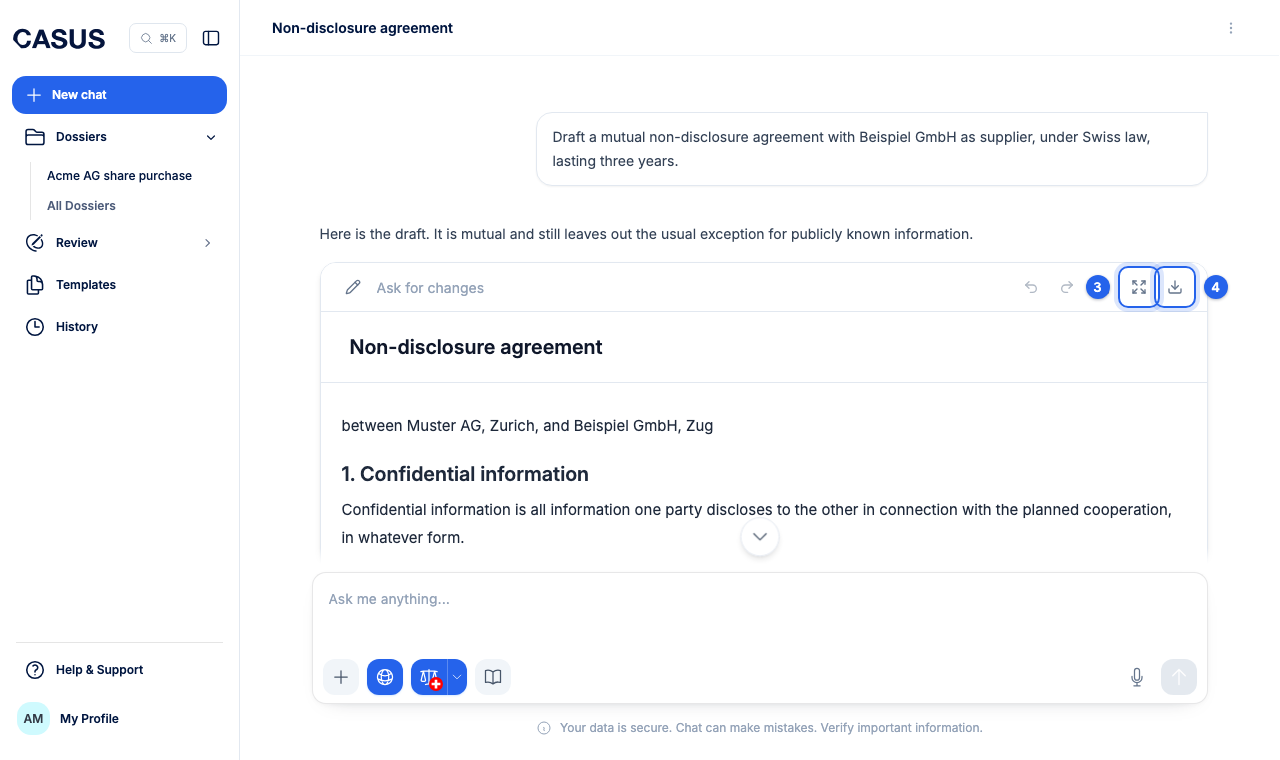
- 4Download it as DOCX or PDF with Download, or copy it with Copy.
If it doesn't work
If the draft doesn't fit, describe in the chat what should change. You can also rewrite whole sections in the editor.
This might help too
Still have questions?
Email us: contact@getcasus.com