
Fill in a template
Ask CASUS in the chat to fill in a template with the details from your documents. In the browser you get a filled-in draft. In Word, each addition comes as a suggestion that you check before it goes into the document.
At a glance
- If a detail is missing, CASUS asks or leaves the placeholder, instead of making something up.
How it works
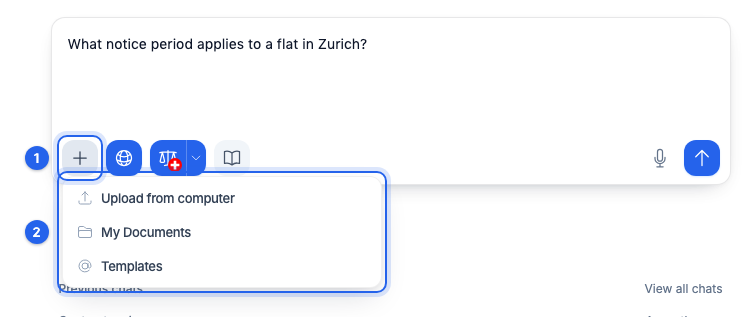
- 1Start a new chat and, in the input field, click Add context to this chat.
- 2Under Templates, pick the template, and add the documents the details come from.
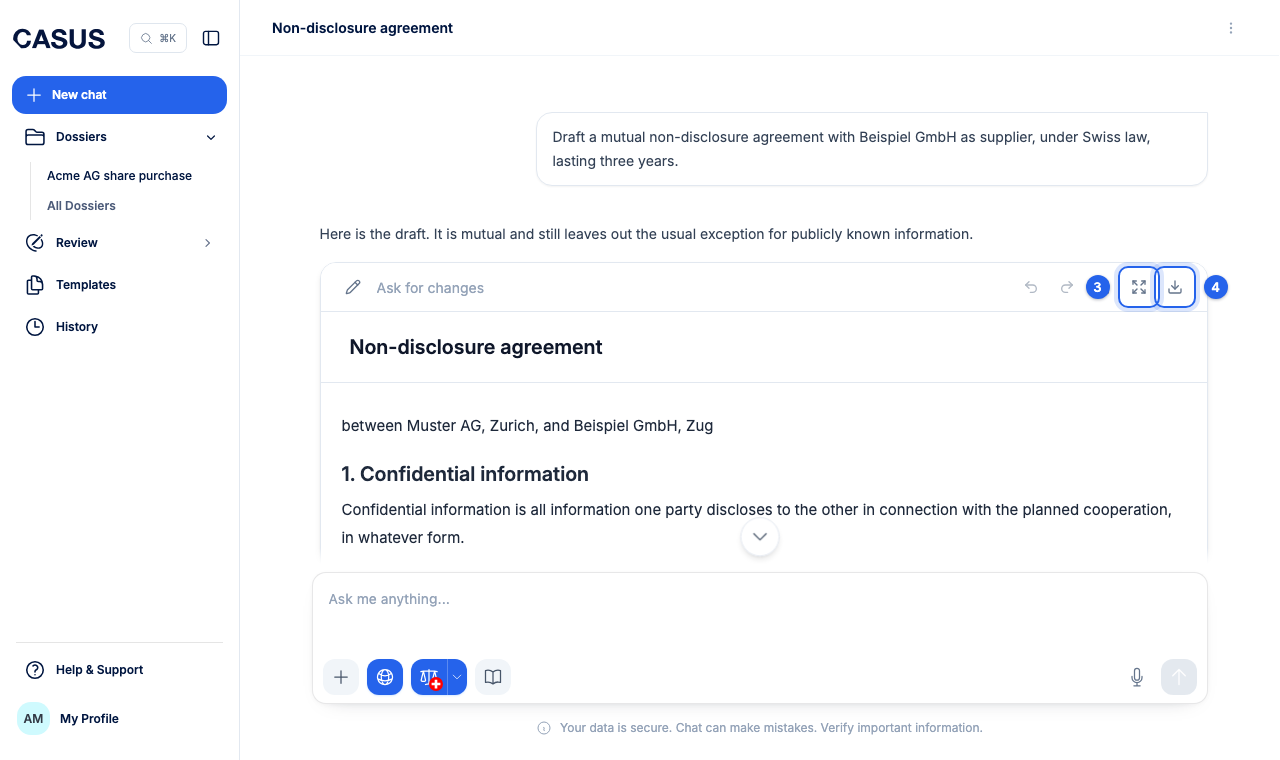
- 3Write, for example: “Fill in the placeholders with the details from the purchase agreement.” Check the draft and revise it with Open editor.
- 4Download it as DOCX with Download.
If it doesn't work
If CASUS can't find a detail, name it in the chat or give it the right document.
This might help too
Still have questions?
Email us: contact@getcasus.com