
Create and fill a Dossier
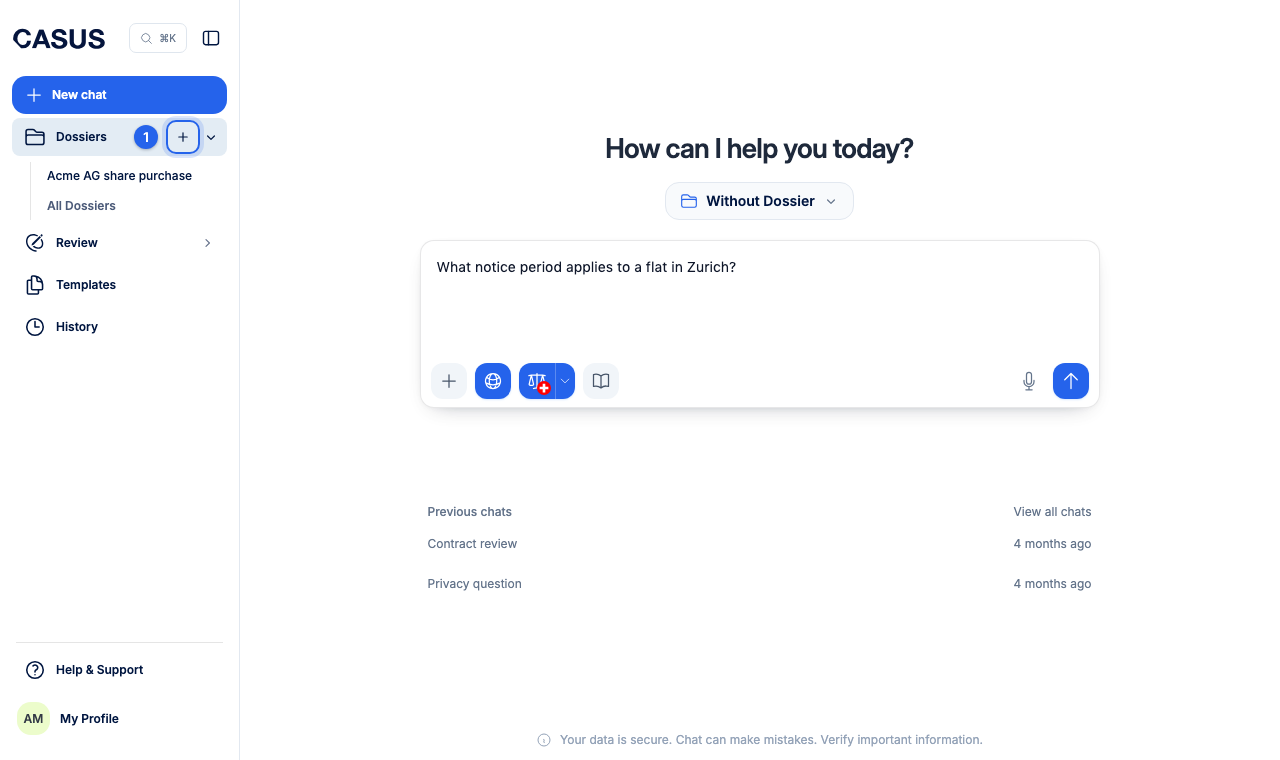
You create a Dossier in the sidebar. A short assistant asks for a name, access, AI instructions and documents. Only the name is required; you can add everything else later.
At a glance
- A Dossier holds up to 2,500 files and 5 GB.
- It takes PDF, DOCX, PowerPoint, Excel and emails (EML, MSG).
- In the Dossier you find the sections Start, Files and Chats.
How it works
- 1Hover over Dossiers in the sidebar and click the plus.
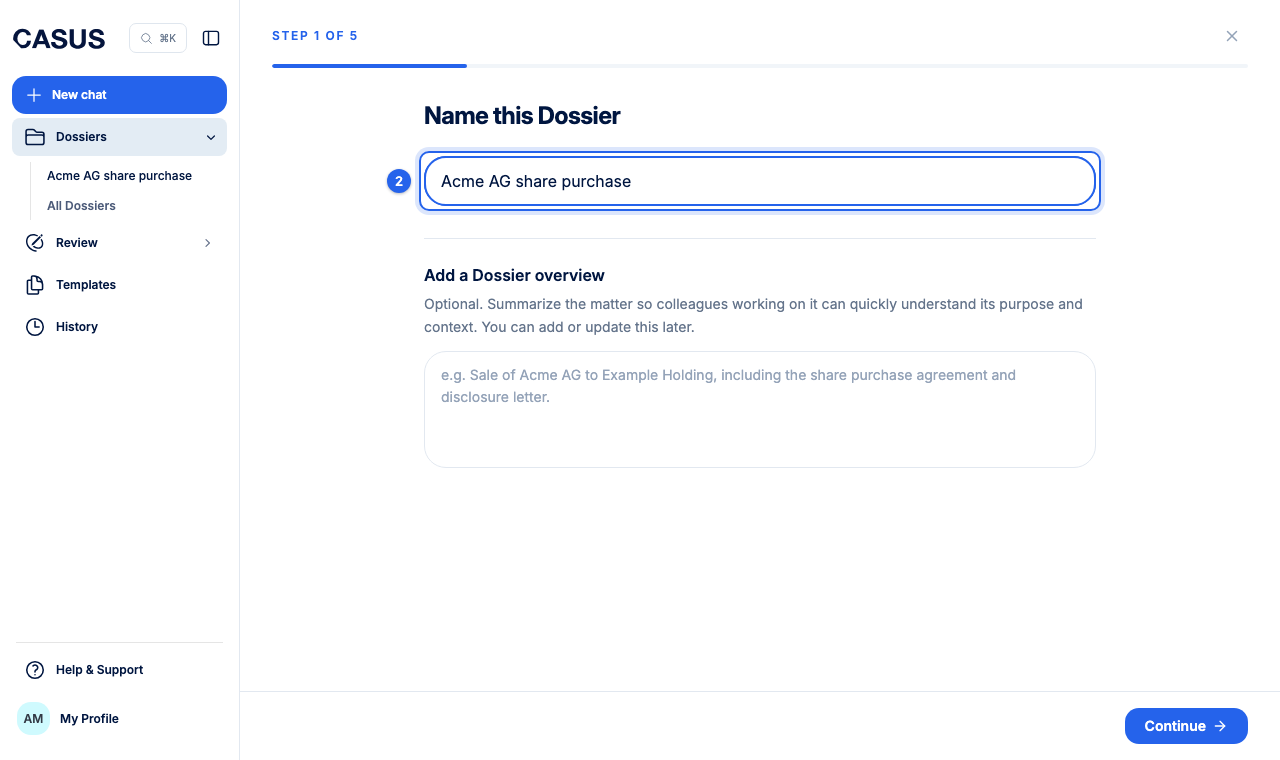
- 2Name the Dossier, for example after the matter. You can add a short overview right away.
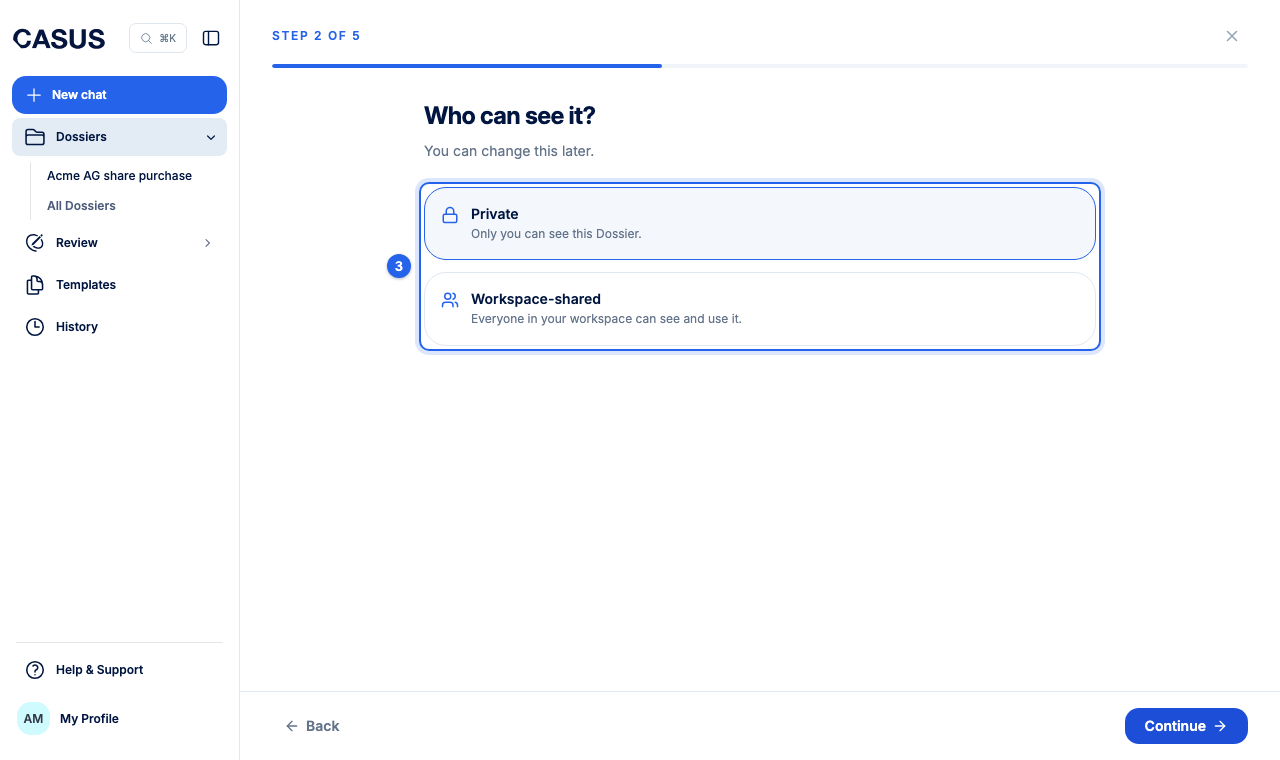
- 3Choose who may access it: Private, Specific people or Everyone in your team.
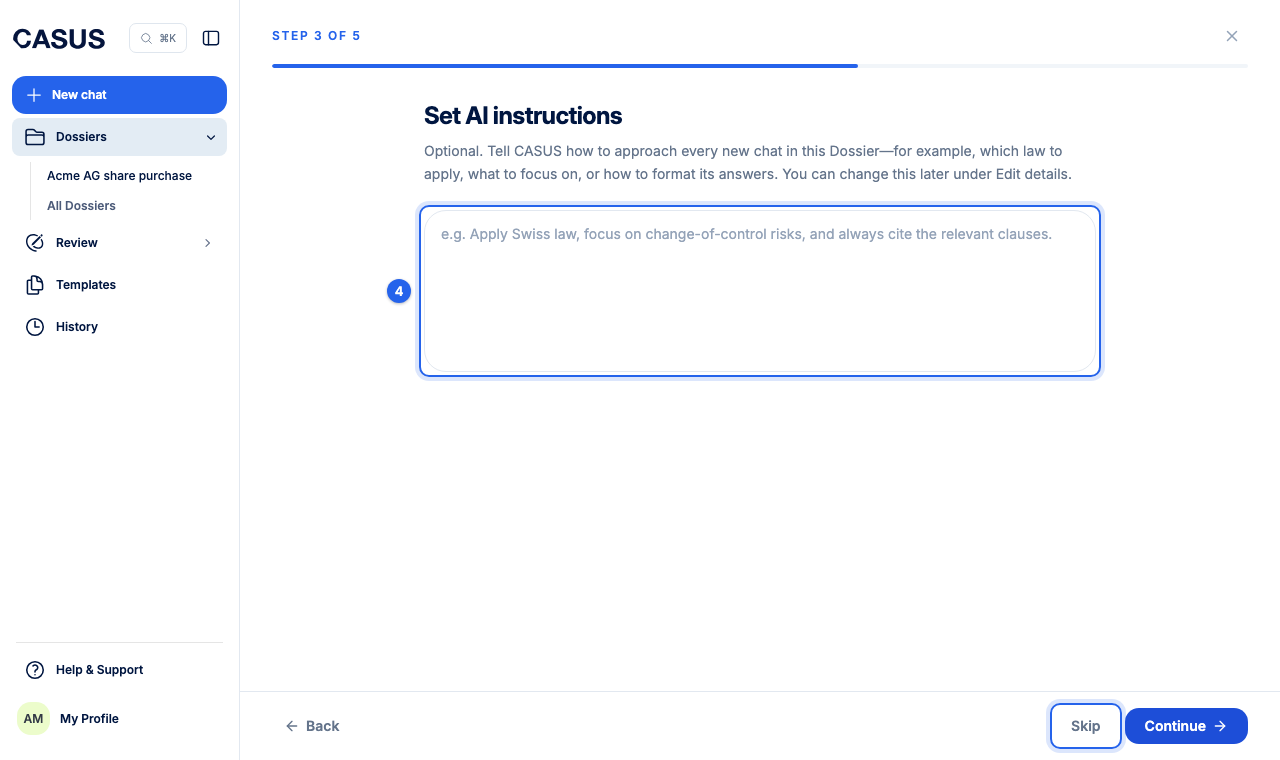
- 4Set AI instructions if you like, such as which party you act for, or click Skip.
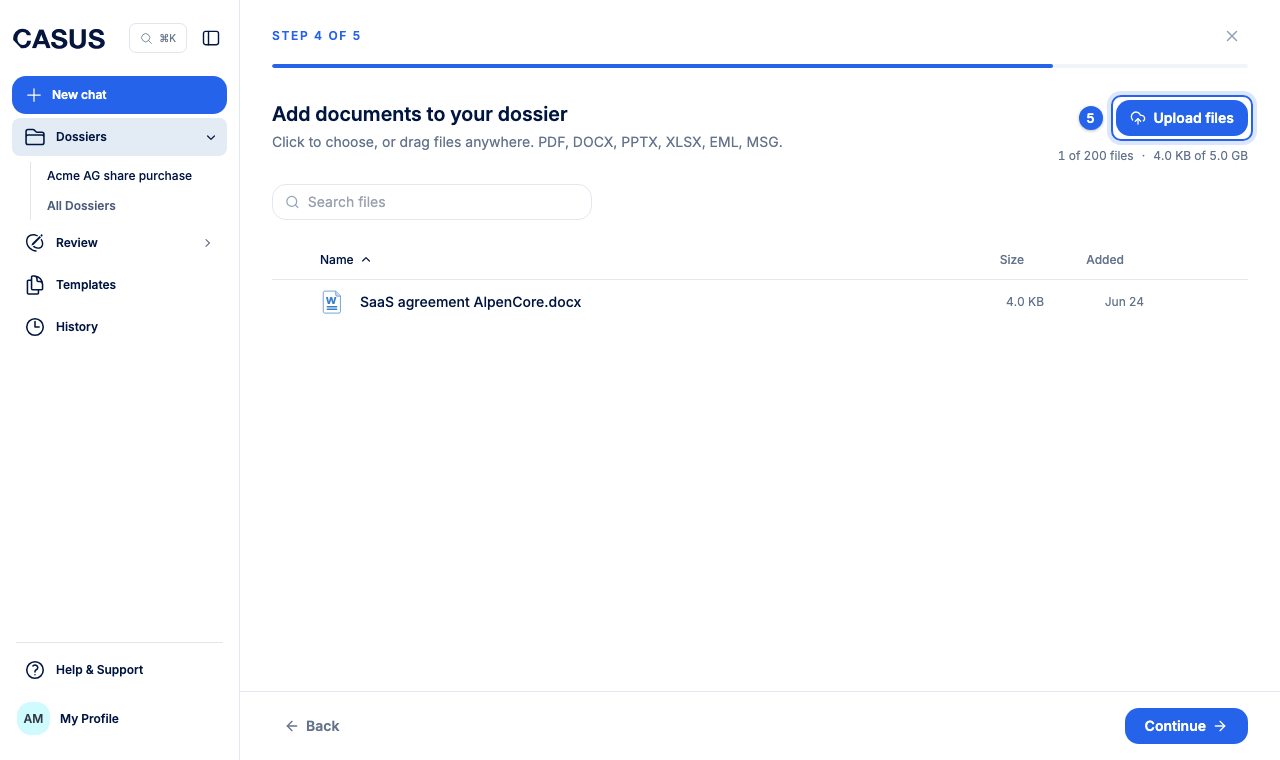
- 5Drag your documents into the window or click Upload files. If Microsoft 365 is connected, you can also bring them in From SharePoint.
- 6Click Open your Dossier and ask your first question.
If it doesn't work
If a file won't upload, check format and size in the article Which files can I upload, and how many?. Write to us if it still doesn't work.
This might help too
Still have questions?
Email us: contact@getcasus.com