
Can I use CASUS on my phone?
Yes, in your phone's browser. On the go you work in chats, open Dossiers with their files and chats, and see your history. Reviews, templates and new Dossiers need a computer. There is no separate app.
At a glance
- On a phone: chats, Dossiers with their files and chats, history and your personal settings.
- Only on a computer: reviews, templates, new Dossiers, folder uploads and the other settings.
- There is no Word add-in for iPad or iPhone.
- On a computer, CASUS never shows the phone layout. If the window is too narrow, zoom out with Ctrl and minus (Cmd and minus on a Mac) or drag the window wider.
How it works
- 1Open CASUS once on a computer or in Word, if you never have.
- 2Open app.getcasus.com in your phone's browser and sign in.
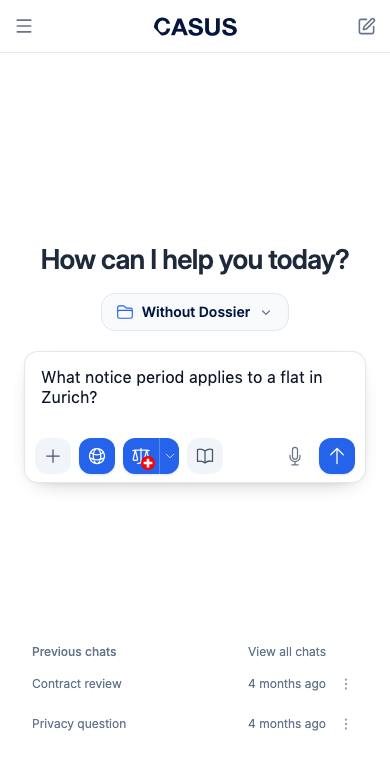
- 3If you like, use Add to Home Screen to put CASUS on your home screen like an app.
If it doesn't work
If your phone says “Open CASUS on a computer first”, sign in once on a computer or in Word and try again. If it says “This page needs a computer”, that page is only available on a computer.
This might help too
Still have questions?
Email us: contact@getcasus.com