
Cancel your subscription
An admin of the workspace cancels the subscription under Manage billing. It keeps running until the end of the paid period and then ends.
At a glance
- Until that date you keep working as usual.
- After it, the data stays stored, but you can no longer create anything new.
- If all data should be deleted too, an admin closes the workspace. The article Delete your account explains how.
How it works
- 1In CASUS, open your account and, under Workspace, the Subscription page.
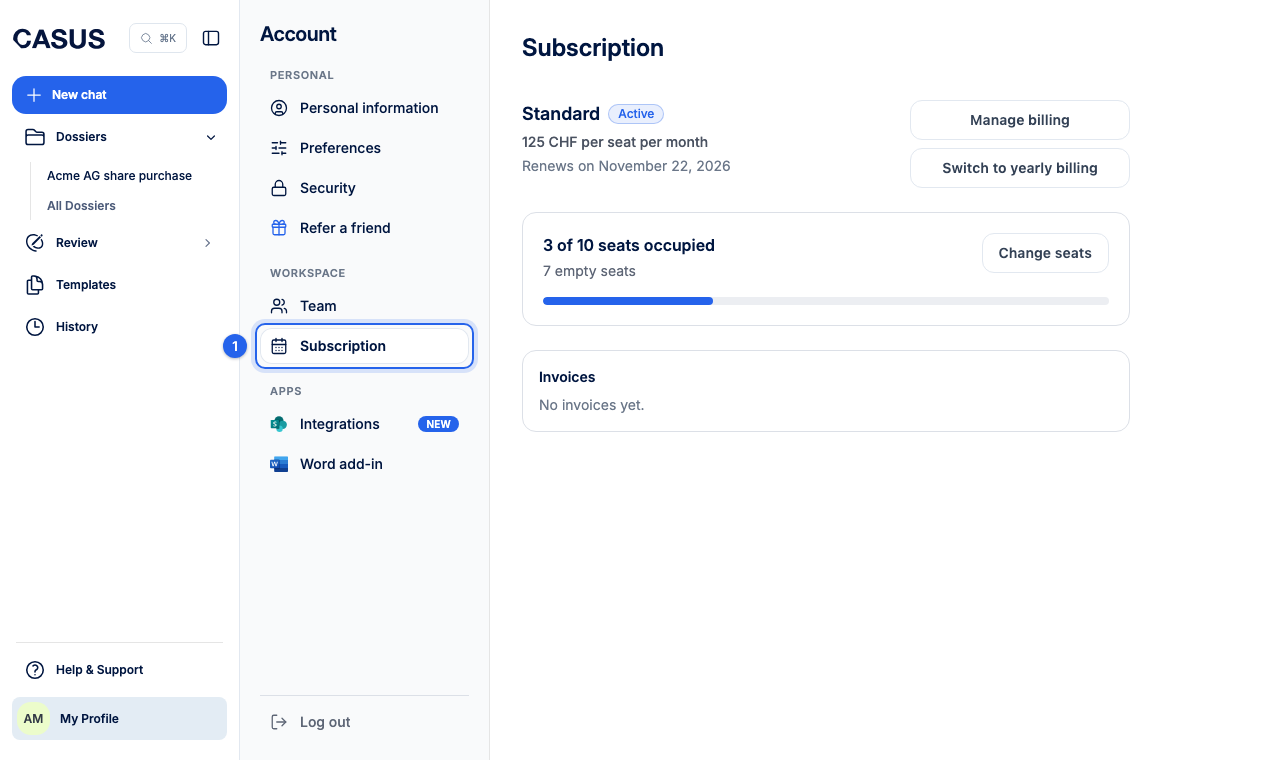
- 2Click Manage billing. This opens the customer portal of Stripe, our payment provider.
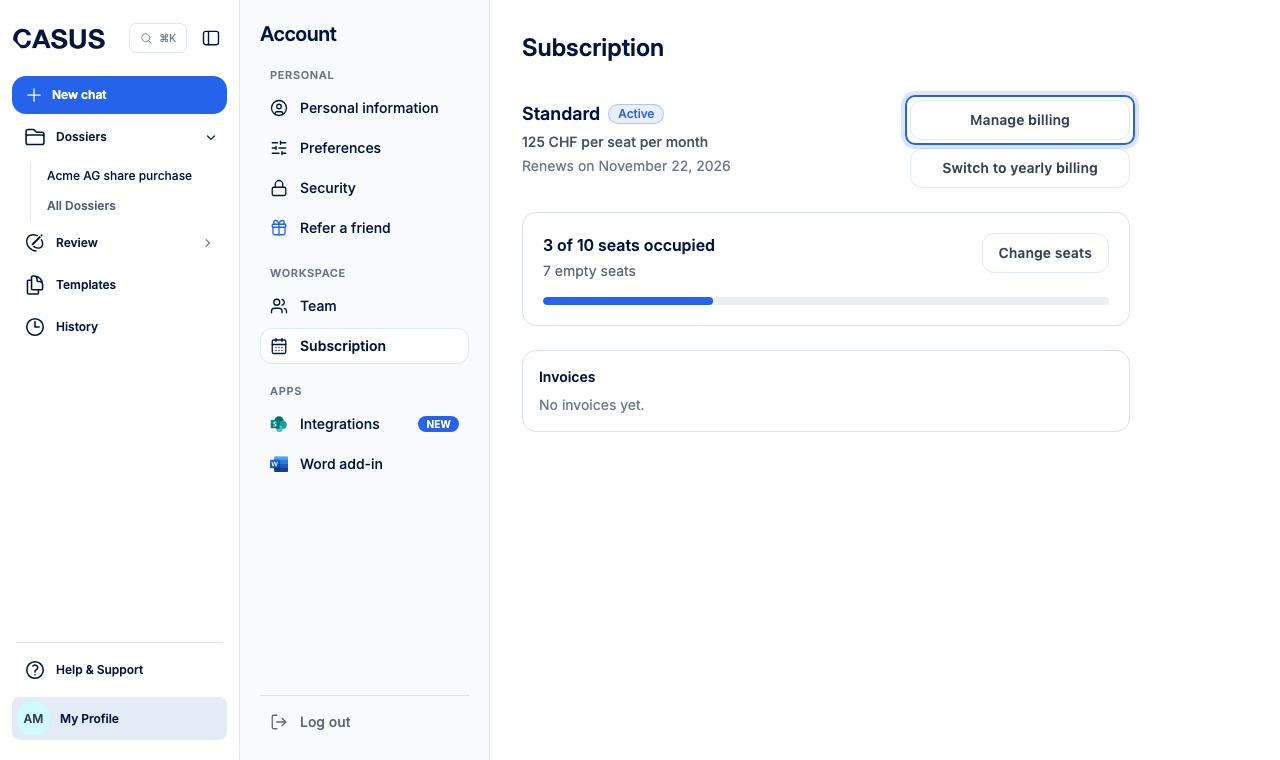
- 3Cancel the subscription there. CASUS then shows “Cancels on …” with the date.
If it doesn't work
If you don't see Manage billing, you are not an admin. Ask an admin of your workspace.
This might help too
Still have questions?
Email us: contact@getcasus.com