
Revise an email draft
While you write an email, CASUS revises your draft. You see each change on its own and take it with one click. Your signature and quoted emails stay as they are.
At a glance
- CASUS changes only the suggested passage and then saves the draft.
How it works
- 1Open your draft and click CASUS.
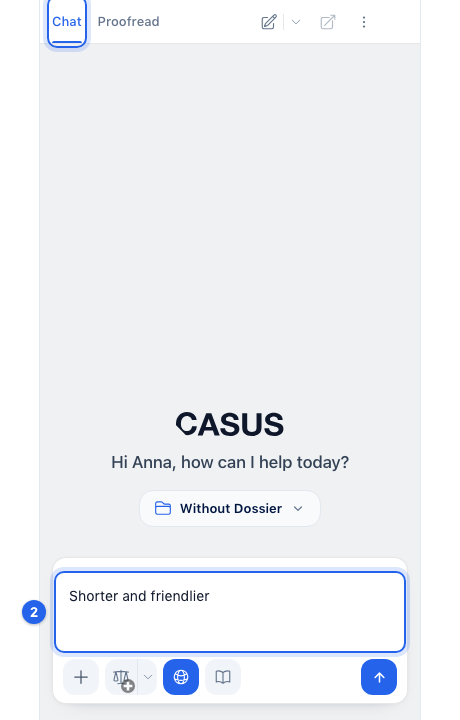
- 2In the Chat tab, write what should get better, such as “Shorter and friendlier”.
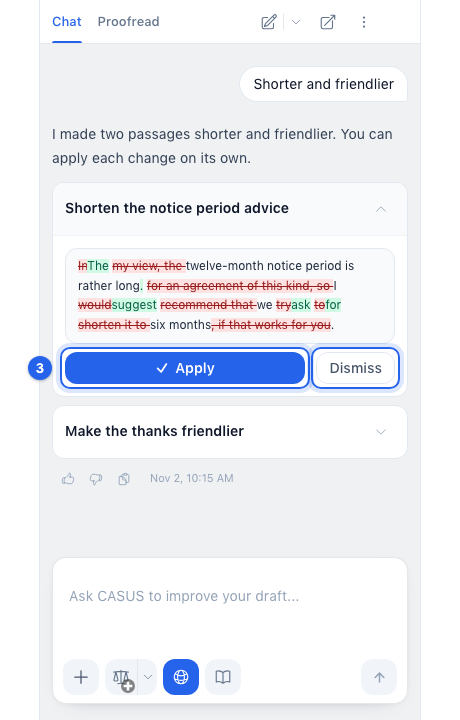
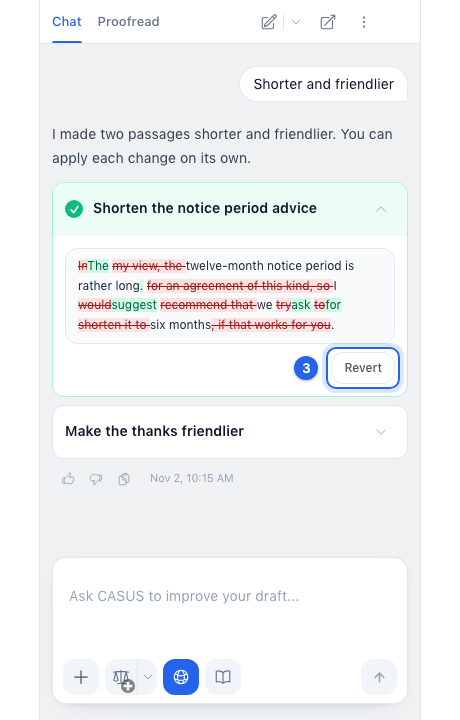
- 3Click a suggested change to open it, then click Apply. Dismiss leaves it out. To take it back, open it again and click Revert.
If it doesn't work
If a change no longer applies, you have changed that passage yourself since. Ask CASUS for a new suggestion.
This might help too
Still have questions?
Email us: contact@getcasus.com