
Check the sources behind an answer
Every statement with a source carries a number. Clicking it shows what CASUS relies on: the passage in your document, the decision or the article of law.
At a glance
- In the browser, Copy case ID and Copy article reference put the citation into your own text.
- Read the cited passage yourself before you rely on it. CASUS can misplace a source.
How it works
- 1Click a source in the answer, such as Art. 266c CO or a number.
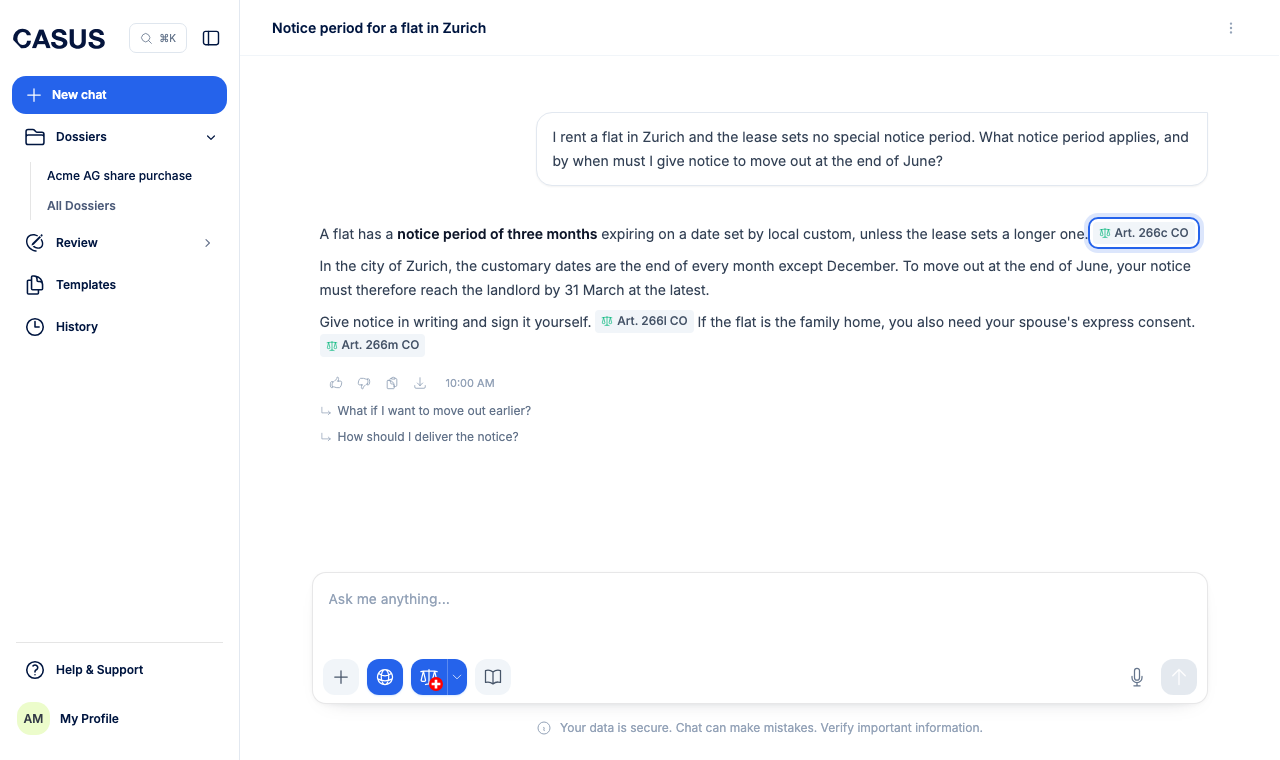
- 2For your documents, the file opens next to it. In PDFs the cited passage is highlighted.
- 3For a decision, CASUS shows the relevant consideration. Open original decision opens the decision at its source.
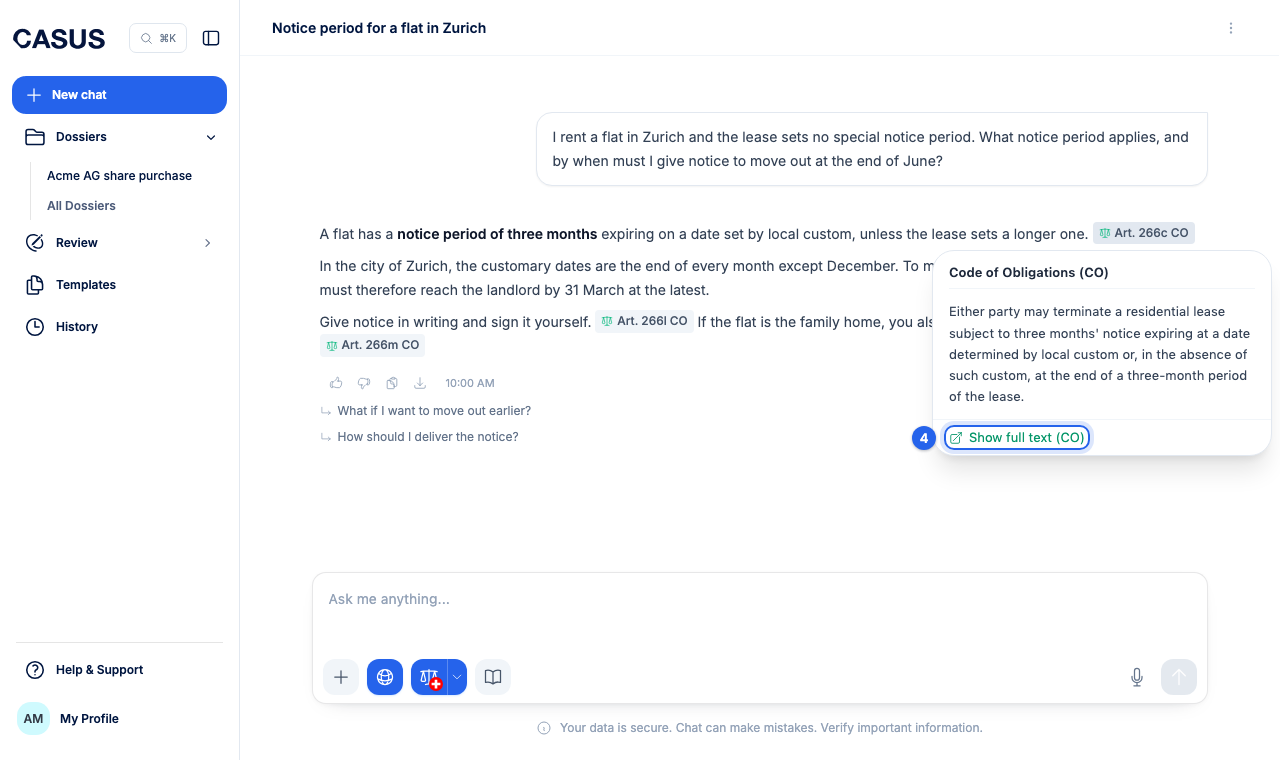
- 4For a Swiss law, CASUS shows the article, and Show full text opens the whole act. For laws of other countries, Open original source takes you to the text at its source.
If it doesn't work
If it says the cited section isn't in this version, the file has changed since. Ask again in the chat.
This might help too
Still have questions?
Email us: contact@getcasus.com