
I can't sign in
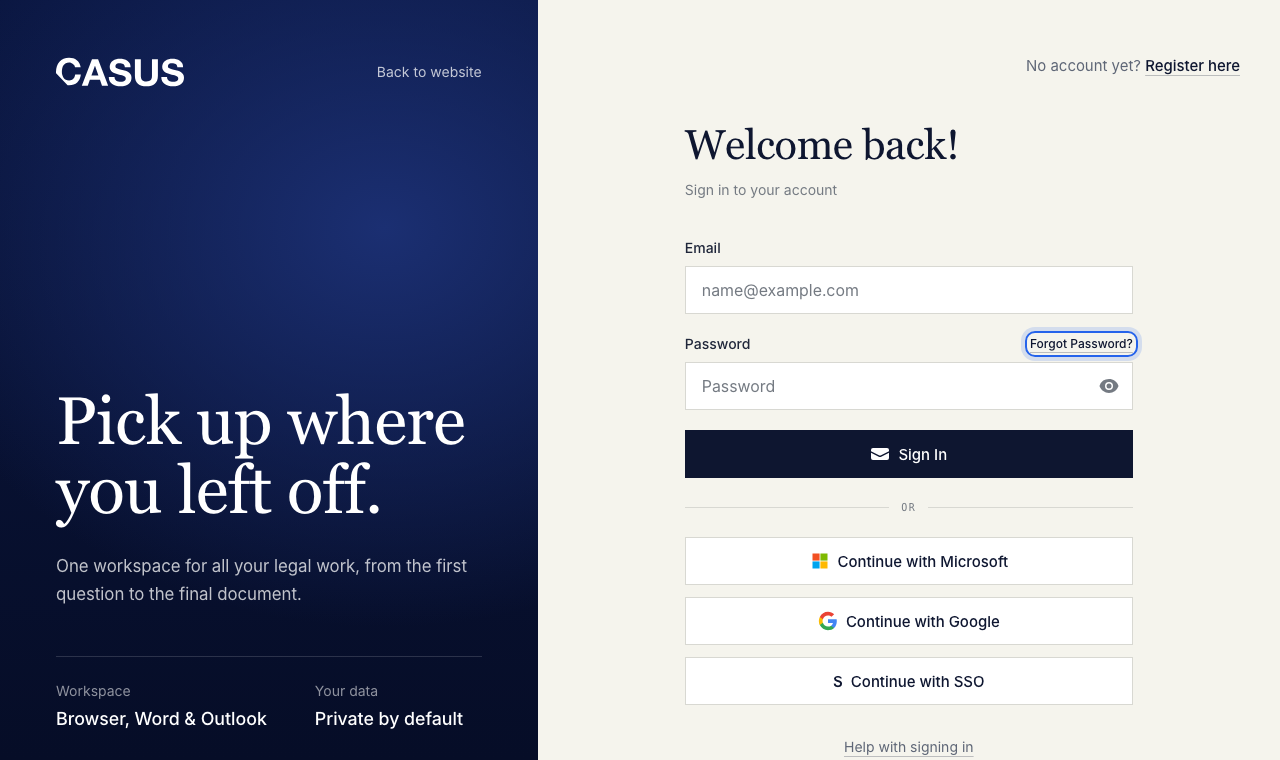
Usually it is the sign-in method: sign in the same way as the first time, with Microsoft, Google, email or SSO. The message on the sign-in page tells you what's wrong.
At a glance
- An account already exists for this email: use the method you signed up with.
- Wrong email or password: click Forgot password?, then send the reset link. It arrives by email.
- Your browser blocked the sign-in window: allow pop-ups for app.getcasus.com and try again.
- “Confirm your email”: click the link in the email we sent you. Resend the email to get a new one.
- The authenticator code is invalid: check that the time on your phone is right and use the newest code.
- “This account has been disabled”: an admin removed you from the team. Ask them.
If it doesn't work
If no email arrives, check your spam folder. If it still doesn't work, write to us from your account's email address.
This might help too
Still have questions?
Email us: contact@getcasus.com