
Draft a reply and take it over into Outlook
Ask CASUS for a reply in the chat. With Reply, Outlook opens a reply window with the text. Outlook adds your signature and the earlier thread, and nothing is sent until you click Send.
At a glance
- Reply goes only to the person who wrote to you. For Reply all, copy the text with Copy.
- Bold text and lists are kept.
How it works
- 1Open the email and CASUS.
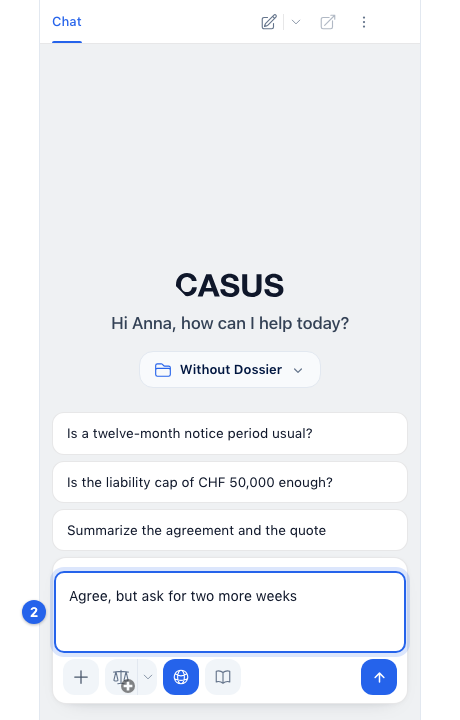
- 2Describe what the reply should say, for example “Agree, but ask for two more weeks”.
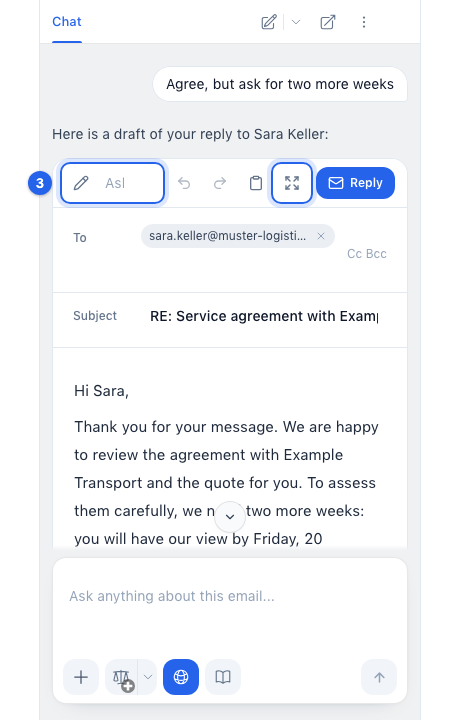
- 3On the draft, click the pencil (Ask for changes) and write what should change, or open it with Open editor.
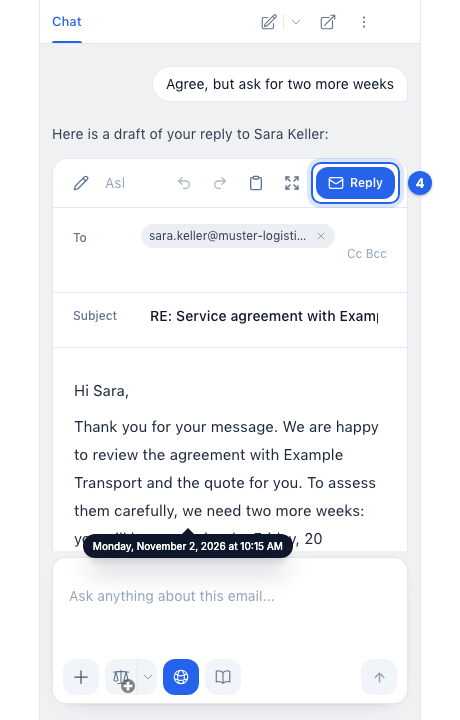
- 4Click Reply. Outlook opens the reply with the text.
- 5Read it through and send it yourself.
If it doesn't work
If it says “Open the email this chat belongs to”, you have opened another email since. Go back to the original email and click Reply again.
This might help too
Still have questions?
Email us: contact@getcasus.com